Development · Guide
Migrating an outdated store: when it is needed and who needs it
Quick summary — Migrating an Outdated Store: When It Is Needed and Who Needs It

- Author:
- Misha Gavura
- Published:
- Reading time:
- 6 min
- Views:
- 10
- Likes:
- 1
- Summary
- Migration is triggered by three signals, not by a store's age: maintenance costs keep rising, developers grow scarce, or the store depends on one person. Stores move most often from Magento 1, OpenCart, PrestaShop, and custom CMS platforms, usually to Shopify. A proper migration carries URLs, redirects, rankings, and history across.
In this article · 10 sections
Key takeaways
- Migration is triggered by three concrete signals, not by a store's age: maintenance costs keep rising, developers for the platform are hard to find, or the store depends on a single person.
- The sharpest signal is a custom CMS maintained by one developer. The bus factor is one. If that developer leaves, no one else can manage the store.
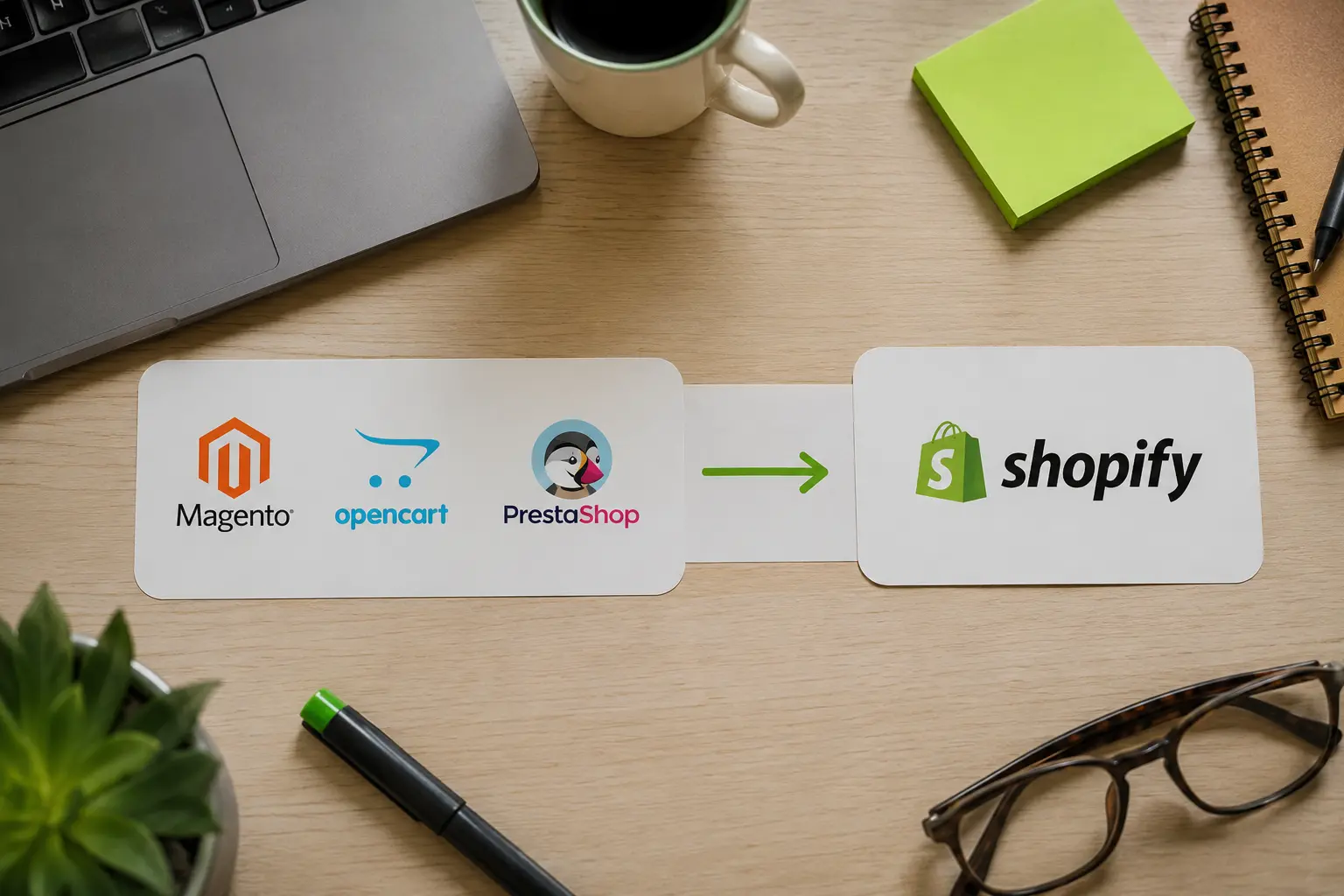
- Stores migrate most often from Magento 1, OpenCart, and PrestaShop. Content and service sites migrate from Joomla and Drupal. The usual destination is Shopify.
- A proper migration carries the URL structure, redirects, rankings, content, and search history to the new platform.
Migration Is a Decision by Circumstance, Not by Age
Migration gets postponed for one reason: the store still works, so why touch it. Age alone is not a reason to move. A store on an old platform can serve its purpose for years.
The decision changes when the platform starts costing more than it returns, or creates a risk the owner does not control. Three signals show that point has been reached.
The Three Signals in Short
- Cost. Every small edit takes longer and costs more than it would on a modern platform.
- People. Developers for your platform are scarce, expensive, and slow to find.
- Dependence. One person understands how the store is built. Nobody else can touch it.
One signal is enough to start planning. Two mean the platform is already a liability.

Signal 1: Maintenance Costs Keep Rising
On an outdated platform every change costs more each year. What takes an hour on a modern platform takes a day, because the technology does not allow a simple solution.
The cost compounds quietly. A year of small edits adds up to the price of a new store, spread across invoices too small to notice one by one.
When maintaining the current store costs more than working on a modern platform, migration stops being an expense. You stop overpaying to stay in place.
Signal 2: Developers Are Hard to Find
Platforms age and their specialists move on. Magento 1 developers, OpenCart specialists, and maintainers of older custom stacks are a shrinking market.
The rarer the platform, the higher the rate and the longer the wait for every change. The store becomes dependent on the few people who still work with it.
A widely used platform removes that dependence. Developers are available, the project is easy to hand over, and growth is not blocked by staffing.
Signal 3: A Custom CMS on One Developer
The third signal is the sharpest and the easiest to miss. The store runs on a custom CMS built by one developer, and only that developer understands it.
It looks convenient. The system was made for you, it works, and the developer knows every corner of it. There is no documentation, no community, and no second specialist.
This is a bus factor of one. While the developer is available, everything runs. If they move on, the store becomes unmanageable: nobody can fix it, extend it, or fully read what is inside.
Moving from a custom CMS to a widely supported platform removes that risk. The store stops being one person's system and becomes an asset any specialist can maintain.

Which Platforms Stores Migrate From
These signals map to concrete platforms. Recognizing yours early gives you time to plan the move instead of reacting to a breakdown.
| Platform | Why stores leave it | Signals it triggers |
|---|---|---|
| Magento 1 | Support ended in June 2020. No security updates. | Cost, People |
| Adobe Commerce | Annual license plus infrastructure and specialist rates. | Cost |
| OpenCart | Shrinking community, uneven extension quality, slower updates. | Cost, People |
| PrestaShop | Declining share, harder to staff outside its home markets. | People |
| Custom CMS | One developer, no documentation, no community. | Dependence |
| Joomla, Drupal | Joomla fell from about 9 percent of the CMS market in 2014 to roughly 2 percent. Drupal fell from about 5 percent to near 1 percent (W3Techs). | People, Cost |
A platform in this table is not a verdict. It is a reason to check yourself against the three signals, because usually one or two have already fired.
Who Migrates and Who Does Not
Not every store on an older platform needs to move. The decision depends on where the business is going, not only on what it runs today.
Migration makes sense for:
- Brands whose catalog, traffic, or order volume grew past what the current platform handles comfortably.
- Stores that plan subscriptions, bundles, wholesale pricing, or multi-region selling, and cannot build them where they are.
- Owners paying a monthly maintenance bill they cannot explain in terms of what it delivers.
- Any store where one person is the only route to a fix.
Migration can wait for:
- Stores on a supported modern platform that simply need design or performance work.
- Businesses in the middle of a product launch, where the risk window matters more than the platform.
- Stores whose real problem is conversion or traffic, not the platform underneath.
If none of the three signals fired, the platform is not your bottleneck. Fix what actually limits growth.
What a Proper Migration Protects
The main concern in any move is loss. A migration done properly carries the accumulated value across instead of rebuilding from zero.
- URL structure and redirects. Every old address resolves to its new equivalent.
- Search rankings. Positions earned over years stay with the pages that earned them.
- Content that performs. Working pages move as they are. Only what dragged results down gets rewritten.
- Search history and trust. The domain keeps its record instead of starting as a new site.
- Data. Products, customers, and order history transfer with their relationships intact.
This is what separates a migration that preserves positions from a file transfer. The structure, the redirects, and the ranking pages get planned before anything moves.
Where Stores Migrate To
The destination question has a short answer for most ecommerce brands: Shopify. It is hosted, updated by the platform, and staffed by a large developer market.
Shopify removes all three signals at once. Maintenance stops being an engineering project, developers are available, and the store no longer depends on one person's knowledge.
The remaining choice is how the store gets built on it: built on a premium theme or in custom code. Both are valid paths. A theme fits a clean catalog and a straightforward model. Custom Liquid fits complex logic, subscriptions, or wholesale flows a theme cannot carry.
The move is the moment to make that decision deliberately, because you are rebuilding the front end anyway.
In Summary
Migration is needed when maintenance costs keep rising, developers are hard to find, or the store depends on one person. Age is not a signal. These three are.
Most moves start from Magento 1, OpenCart, PrestaShop, or a custom CMS, and land on Shopify. A proper migration carries the URLs, redirects, rankings, content, and history across, and leaves behind only what was a liability.
We run migrations that keep rankings intact and pick the build path that fits the business. See our Shopify services. From Toronto, for ecommerce brands across Canada and beyond.
Keep reading
- WooCommerce to Shopify migration: data, URLs, subscriptions and cost10 min
- Migrate from BigCommerce to Shopify: what breaks8 min
- How Much Does It Cost to Hire a Shopify Expert?9 min
About the author