Shopify app development
Shopify apps built for one store or for the whole App Store
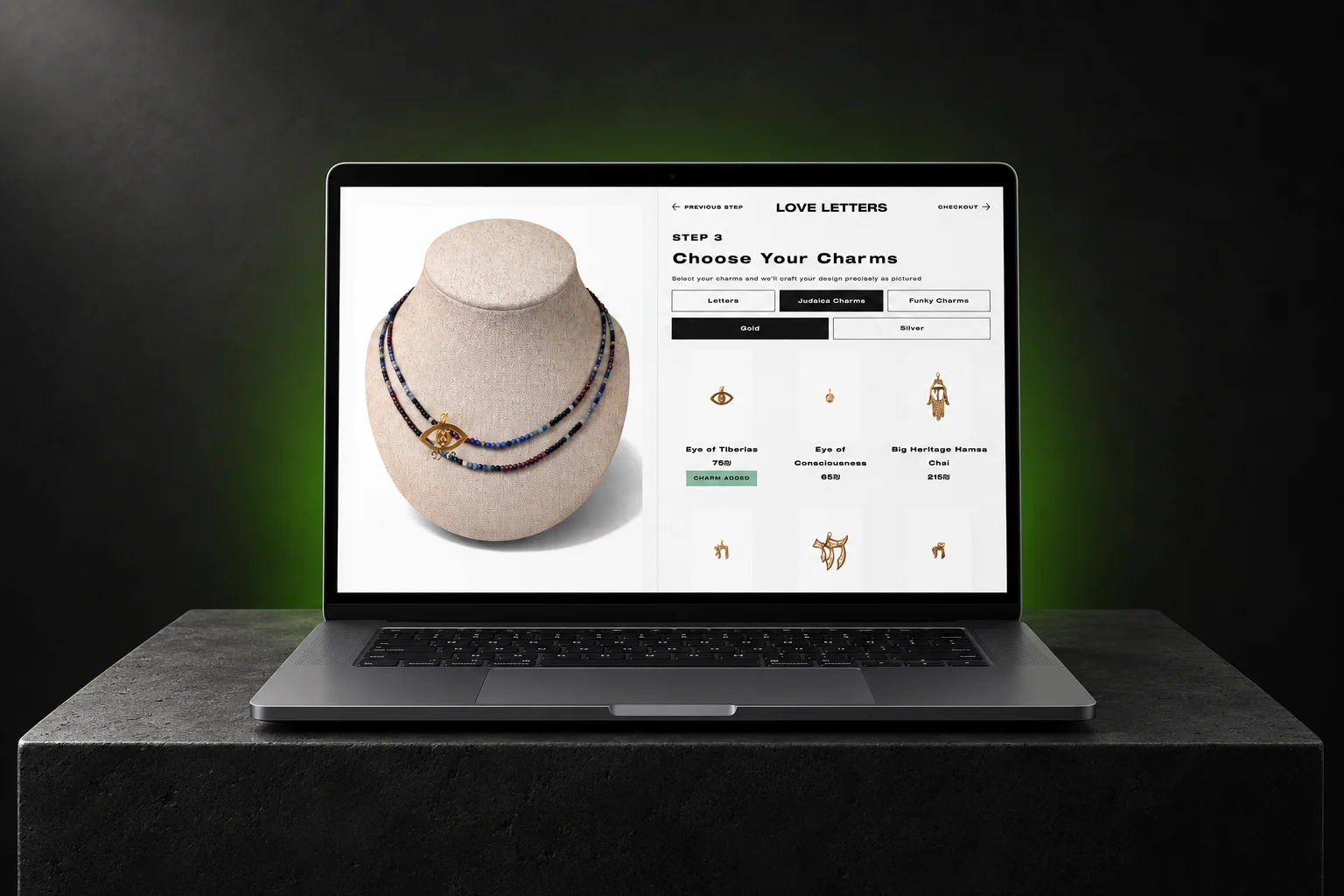
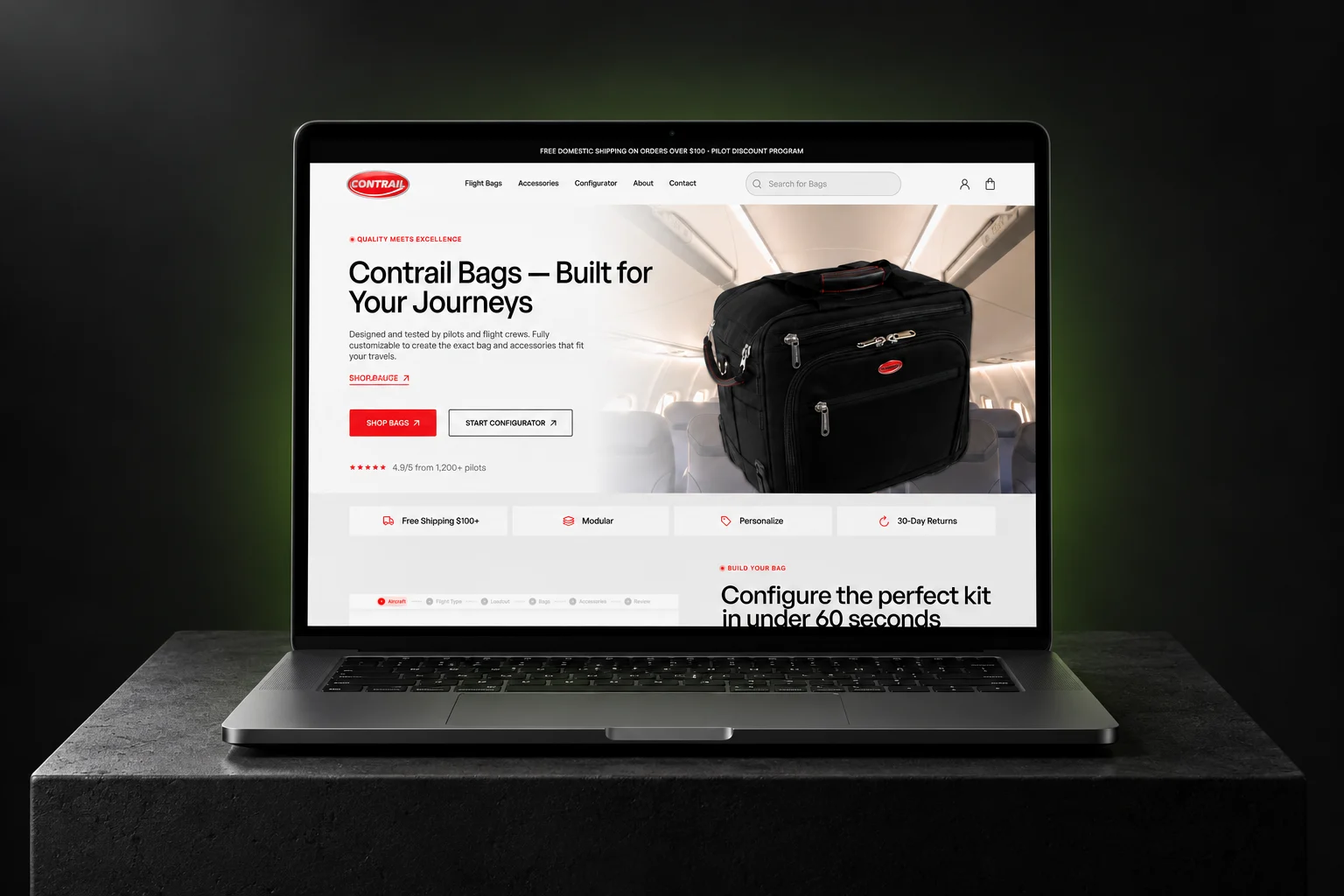
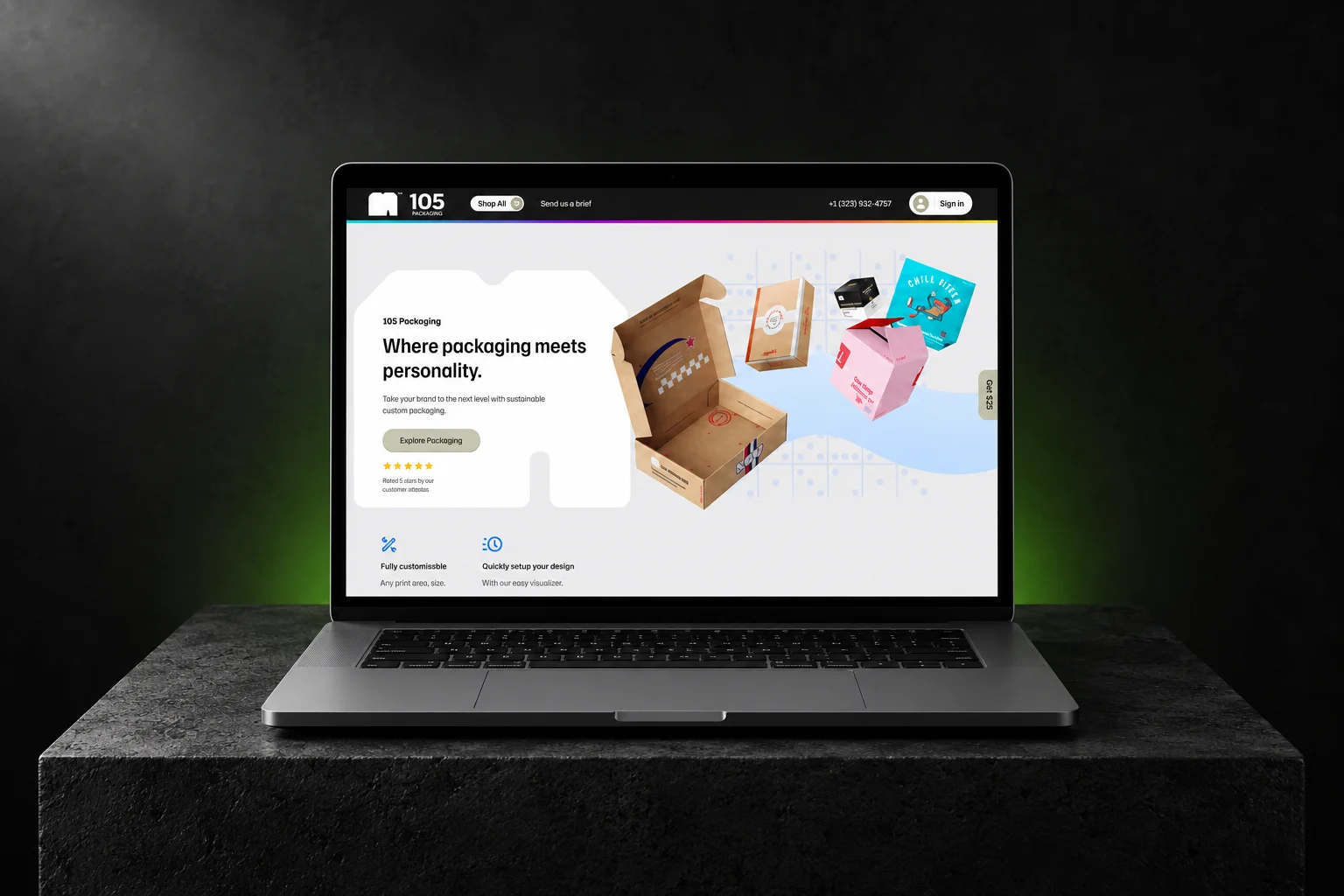
When the feature your store needs does not exist as an app — or the app that exists does 10% of the job and charges for all of it — we build it. Private apps for a single merchant, custom apps for your own stack, public apps for the Shopify App Store.
- Ecommerce projects
- 180+Ecommerce projects
- In-house specialists
- 13In-house specialists
- Verified Clutch reviews
- 8Verified Clutch reviews
What Shopify app development actually covers
Shopify app development is building software that extends Shopify beyond what the admin and a theme can do — reading and writing store data through the Admin API, adding interfaces inside the Shopify admin, changing checkout behaviour through Functions and UI extensions, and syncing a store with systems Shopify does not talk to natively. It is distinct from theme development, which changes how a storefront looks and behaves; an app changes what the store can do.
Three kinds of app, three different projects
Custom app
For one store. Installed directly, never listed.
The common case. A custom app is built for your store alone, installed from your own Partner account, and never submitted for review. No App Store listing, no approval queue, no revenue share — and no constraint to keep it generic enough for other merchants.
Public app
Listed on the Shopify App Store, installable by anyone.
A product, not a project. It has to pass Shopify’s App Store review, handle billing, support multiple plans and shops, and meet the Built for Shopify quality bar to earn placement. Budget for the review cycle and for support after launch, not just the build.
Shopify Functions & extensions
Custom logic inside checkout, cart and the admin.
Discounts, delivery and payment customisations, cart transforms, validation — logic that runs on Shopify’s own infrastructure rather than in your theme. This is how checkout behaviour is changed on Plus without scripts that break at the next theme update.
What we build
- Admin API integrations — ERP, 3PL, accounting, CRM, custom back office
- Storefront API and headless front ends on Next.js
- Shopify Functions: discounts, delivery, payment, cart transform, validation
- Checkout UI extensions and admin UI extensions (Polaris)
- Subscription and bundle logic beyond what off-the-shelf apps allow
- Metafield and metaobject data models for custom content
- Webhook pipelines and background jobs
- Public App Store submissions, billing API and Built for Shopify readiness
How an app project runs
Scope and feasibility
What the app must do, which Shopify APIs can do it, and what genuinely cannot be done on the platform. Some requests are a Function, some are an app, and some are a theme change that costs a tenth as much — we say which before quoting.
Fixed-price proposal
One number, in CAD, against a written scope. You approve it before any code is written.
Build and review
Built against a development store you can open at any point. You see working software, not status reports.
Launch and handover
Installed on your store with the code and the Partner app in your own account — you own it. Public apps go through App Store review with us handling the resubmissions.
Why a store studio and not an app shop
An app that ignores the storefront it plugs into is how a store ends up with a fast app and a slow site. We build the stores too — 180+ ecommerce projects — so an app ships knowing what the theme, the checkout and the data model already do.
- 13-person in-house team: development, design, SEO and analytics under one roof
- Fixed-price quotes in CAD, agreed before the build starts
- You keep the code and the Partner app — no lock-in, no per-seat licence
- 3 months of post-launch support included on every project
Shopify app development questions
- How much does Shopify app development cost?
- It depends on which of the three kinds of app you need — a Shopify Function is a far smaller project than a public App Store listing with billing and multi-shop support. We quote a fixed price in CAD against a written scope after a 30-minute call, rather than publishing a starting figure that would be wrong for most projects.
- What is the difference between a custom app and a public app?
- A custom app is built for one store, installed directly from your Partner account, and never goes through App Store review. A public app is listed on the Shopify App Store for any merchant to install, which means it must pass Shopify’s review, handle billing and multiple shops, and be supported as a product. Most merchants asking for "an app" need a custom app.
- Do I own the app you build?
- Yes. The code is yours and the app lives in your own Shopify Partner account. There is no per-seat licence and no arrangement where the app stops working if you stop working with us.
- Can you work on an existing Shopify app?
- Yes — taking over an app someone else built, fixing one that broke on an API version bump, or getting a stalled App Store submission through review. Send us the repo and the Partner account and we will tell you what we find before quoting.
- Do I need an app, or can a theme change do it?
- Often a theme change, a metafield or a Shopify Function does the job for a fraction of the cost. That is the first thing we check on a scoping call, and we will say so when an app is not the answer — an app you did not need is an app you maintain forever.
- Do you build public apps for the Shopify App Store?
- Yes, including billing, multi-shop support, and the Built for Shopify requirements that decide placement. Budget for the review cycle and for support after launch: a public app is a product with users, not a project that ends at handover.
Tell us what the app has to do
Send the problem, not a spec. We will tell you whether it is an app, a Function or a theme change — and quote a fixed price for whichever it turns out to be.